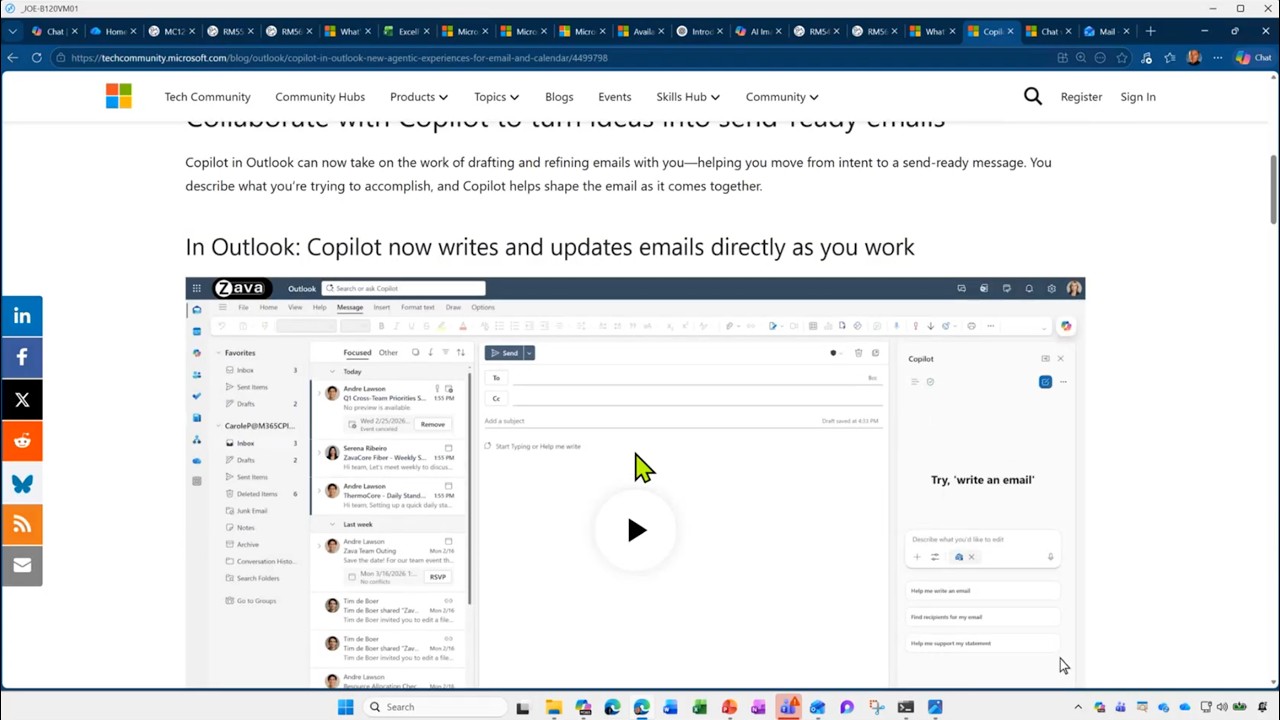
This month’s Cloudy County Community Call focused on Copilot in Outlook — how to use it day to day for inbox triage, drafting, and follow-up, with an emphasis on practical workflows for the Cloudy County community using Microsoft technologies already available in their tenant.
The session opened with introductions and context for the Cloudy County community, emphasizing a focus on practical use of Microsoft technologies already available to users. Key updates included several notable product changes across Teams, OneDrive, Excel, Power Platform, and Copilot. Highlights included the upcoming retirement of Together Mode in Teams, new support for importing breakout room assignments via CSV, and a significant increase in the OneDrive sync limit to one million items. Additional updates covered improved tracking for Power Platform changes, new Copilot features in Excel for planning and editing, and expanded visibility into feature rollouts across platforms.
The deep dive portion of the call focused on advancements in Copilot, particularly within Outlook and across multiple AI models. The discussion outlined the availability of newer language models and image-generation capabilities, as well as guidance on selecting models based on use cases. The demonstration showcased how Copilot in Outlook enables both explicit and implicit grounding, allowing users to query and act on emails, meetings, files, and other organizational data without manually locating each source. Examples illustrated how Copilot can summarize meetings, identify follow-ups, draft or refine emails, and support daily planning by analyzing calendars and communications. The session emphasized the importance of effective prompting and highlighted how these capabilities can function as a digital assistant within existing workflows.